2D Driving Simulator
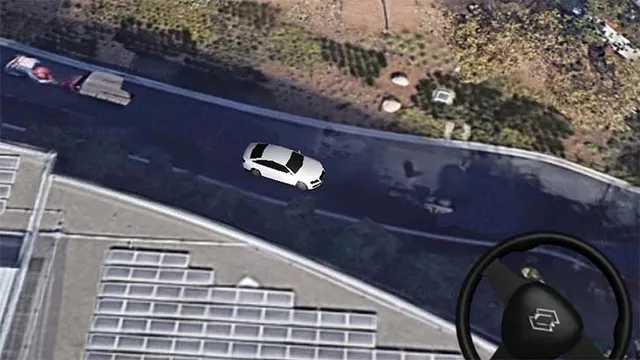
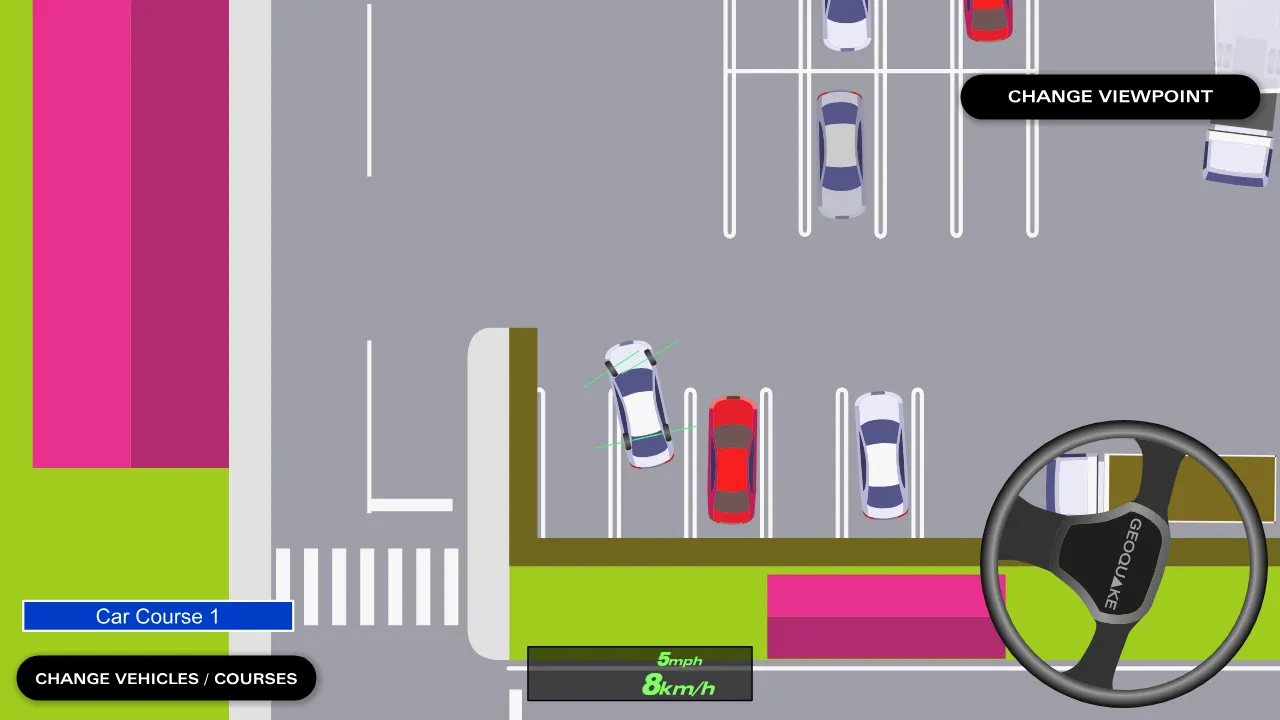
A top-down driving simulator. Drive cars, buses and trailers on small courses.
How to play
On the first screen, choose left-hand or right-hand traffic to start. On a PC, drive with the arrow keys, or just move the mouse near the steering wheel and it turns without a click.
On a smartphone or tablet, drag the steering wheel with a finger to turn it, and use the buttons for the accelerator, brake / reverse, turn signals and hazard lights.
Use "Change vehicles / courses" to switch cars, buses and trailers, and "Change viewpoint" to switch the view.
| ↑ / ↓ | Go forward / go backward |
|---|---|
| ← / → | Turn the wheel left / right |
| Mouse near the wheel | Turn the wheel (no click needed) |
| Delete / End / Page Down | Turn signal: left / cancel / right |
| H | Hazard flashers |
| Drag the on-screen wheel | Turn the wheel on touch screens |
| On-screen buttons | Accelerator, brake / reverse, turn signals, hazard flashers |
About this game
2D Driving Simulator is a top-down driving game. You look straight down at the road and drive cars, buses and trailers around small courses, such as a parking lot with marked bays.
Pick a vehicle and a course, then drive it yourself with the keyboard, the mouse or your finger on the steering wheel on the screen. Turn signals, hazard lights and a switchable viewpoint are there too, so parking neatly between the lines or backing a long vehicle into place is a game of its own.
The game was first released in 2006 as a Flash program and was available until around 2018. It was revived in 2023 with the Flash emulator Ruffle, and in 2026 it was rebuilt without Ruffle, so it now plays on smartphones as well as on a PC.
Credits
- Programming
- Korin